Create a policy
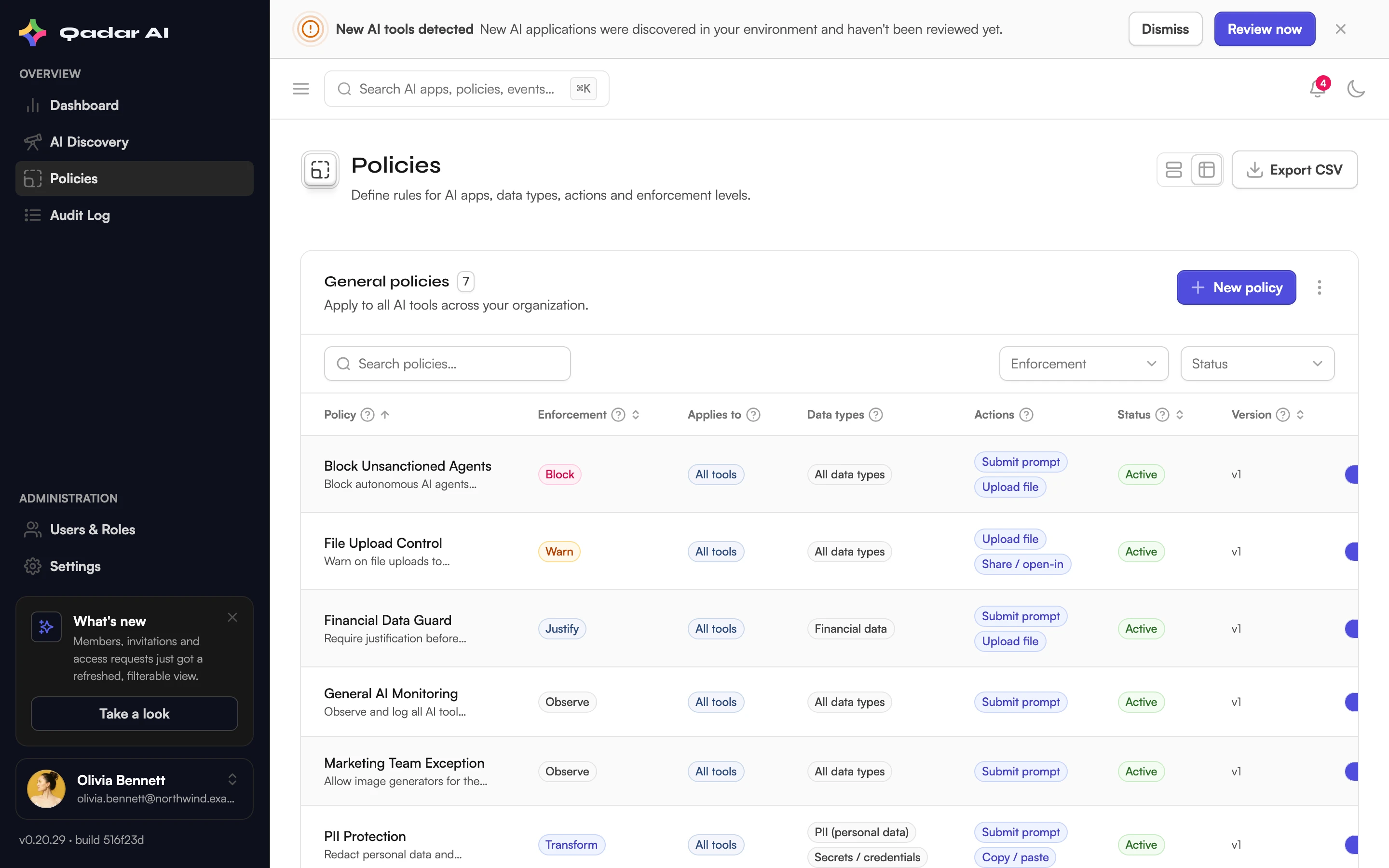
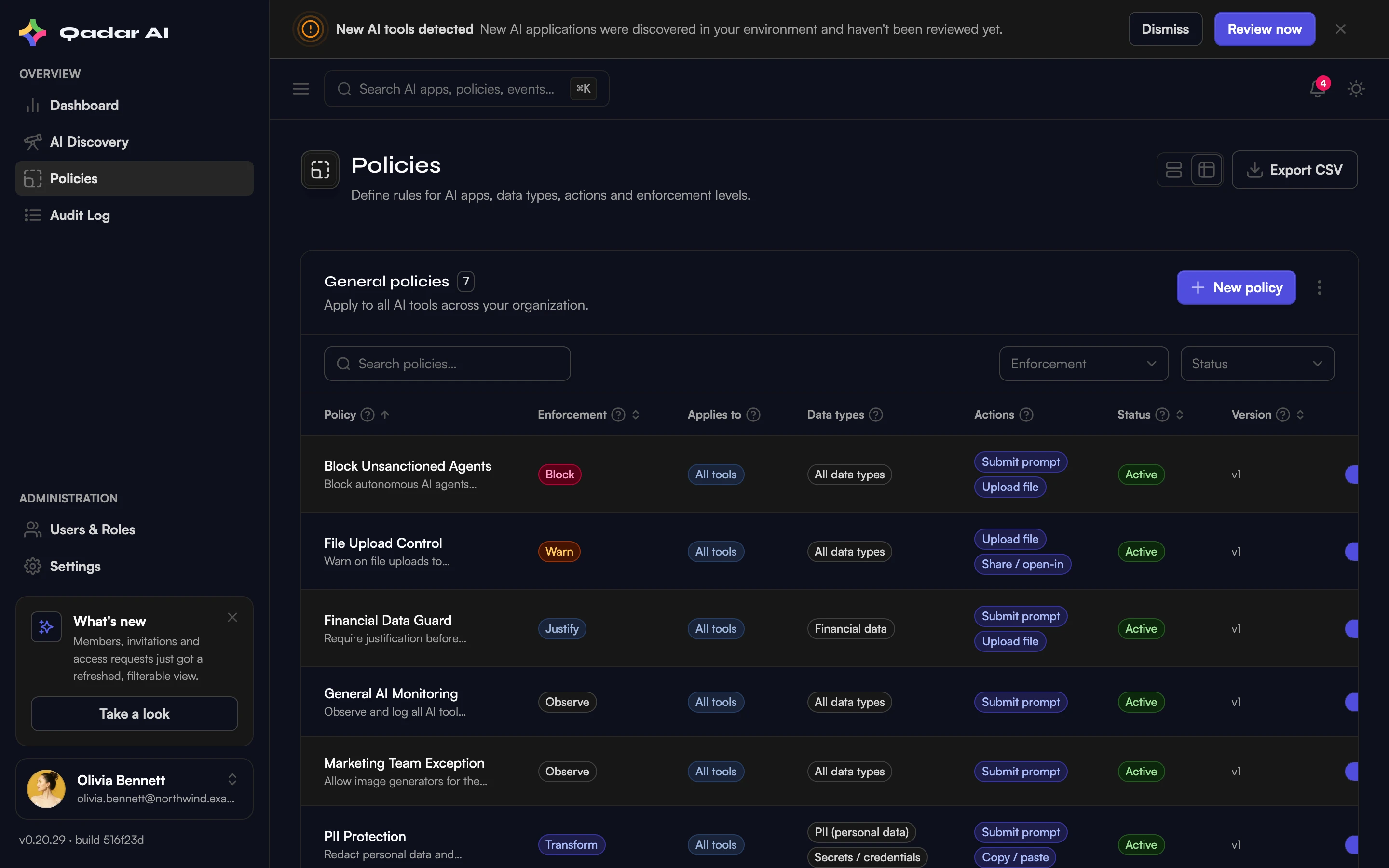
Policies are the rules Shield enforces in the browser: what may happen, with which data, on which AI tools. You can get started in seconds using a compliance preset — or build your own in a couple of minutes.
Create the policy
When you select New policy, you have two options:
Option 1: Start from a preset
- Select From preset.
- Choose from available presets — Shield includes starter bundles for EU AI Act and GDPR, or any other presets your administrator has created.
- Review the preset's configurations (data types, actions, and enforcement modes), and adjust if needed.
- Select Create policy to apply it.
Presets let you adopt proven policy configurations instantly, without building from scratch.
Option 2: Create from scratch
- Open Policies and select New policy, then Create from scratch.
- Choose what it applies to: All tools, or Specific tools picked from the AI tools discovered in your organization. Tool-specific policies stack on top of general ones — on conflict, the stricter action wins.
- Select the data types the policy covers — for example PII, financial data, source code, or secrets and credentials. See data types & detection.
- Select the actions it governs: submit prompt, upload file, copy/paste, download, share.
- Pick the enforcement mode — from observe-only to a full block. See enforcement modes explained.
- Name and description are pre-filled from your selection; adjust them and select Create policy.
For a tool you want gone entirely, use Block entire tool — it blocks all use of that tool, and data types and actions no longer matter.
Manage the lifecycle
Policies are Active or Paused — pause instead of deleting when you want to try something out. Select multiple policies in the list to enable, pause, or delete them in one step — deleting asks for confirmation and is limited to admins. Every edit increments the policy's version number, so audits can trace exactly which revision was in force.
What your team sees
Active policies show up for members in the Shield Web side panel under Policies, and enforcement happens directly in the browser on the next page load of the affected AI tools.
Was this article helpful?
Related articles
Enforcement modes explained
Observe, Warn, Justify, Transform, Block — what each mode does, what your team experiences, and when to use which.
Read articleData types and on-device detection
Which sensitive data Shield recognizes — PII, financial data, source code, secrets — and why the content never leaves the device to be classified.
Read articleApply policy presets and bundles
Deploy compliance-ready policies from the preset library — EU AI Act, GDPR, DIFC, Korea AI Basic Act, US AI in Employment, and ISO 42001/NIST bundles.
Read articleStill stuck?
Send us the details — we answer within one business day.