Set up your organization
Shield Control is the web app where your organization's AI governance lives. Setting it up takes a few minutes — and you start with working policies from the first second.
Create your account and organization
- Sign up with your work email (or Continue with Google). Personal mailbox domains are not accepted — the organization is anchored to your company domain.
- Confirm your email via the link Shield sends you.
- If your company domain is not claimed yet, your organization is created automatically and you become its admin.
Every new organization starts with six active starter policies out of the box — including transforming personal data before it reaches AI tools, blocking secrets and credentials, and a monitor-everything baseline. You are protected before you configure anything; tune or replace them later under Policies.
Follow the setup checklist
The sidebar shows a Finish setup widget that walks you through the essentials:
- Set up your organization — add your company name and domain under Settings.
- Install the browser extension — Shield Web is what detects AI tools in your environment. Roll it out per the install guide or via managed policy.
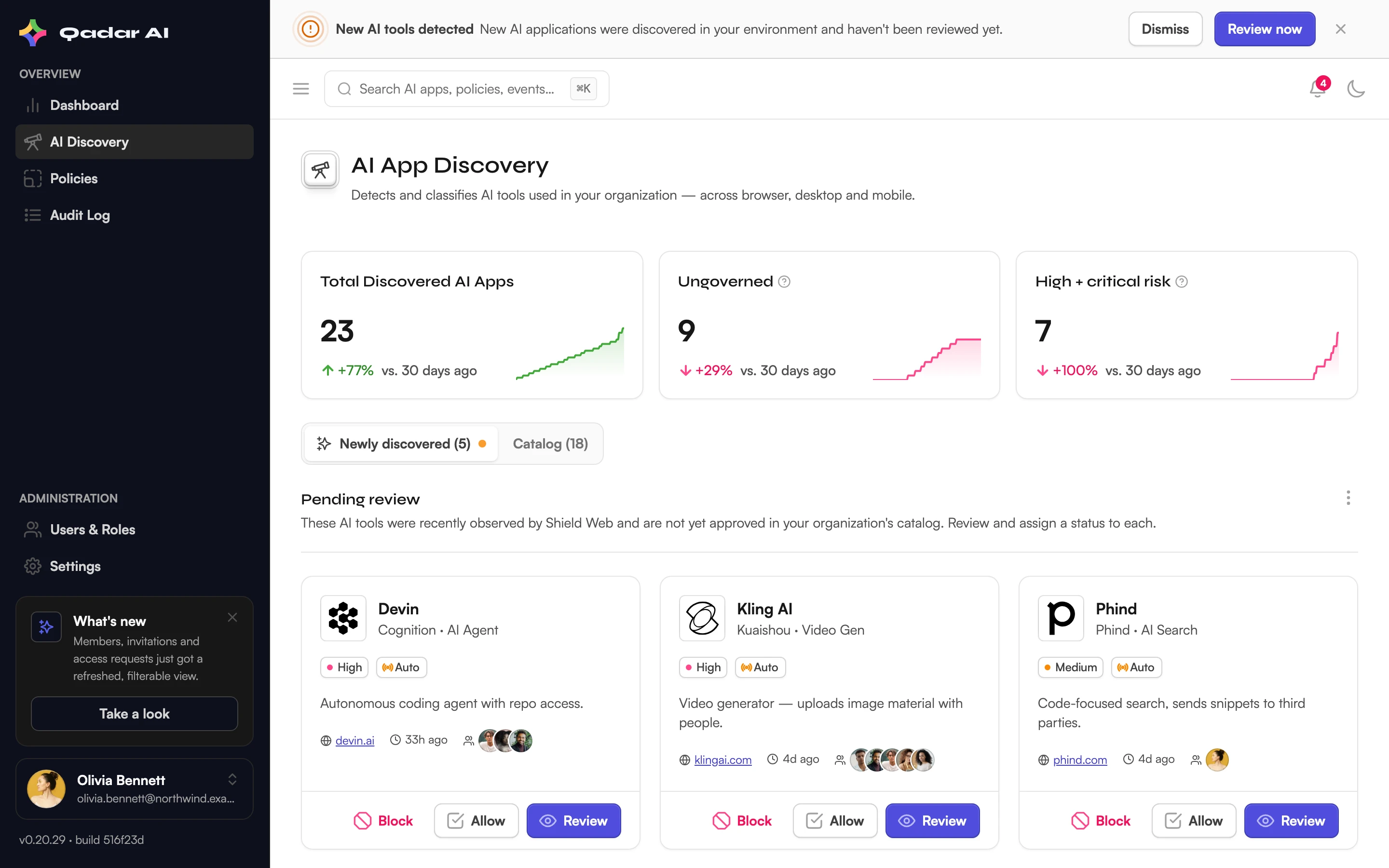
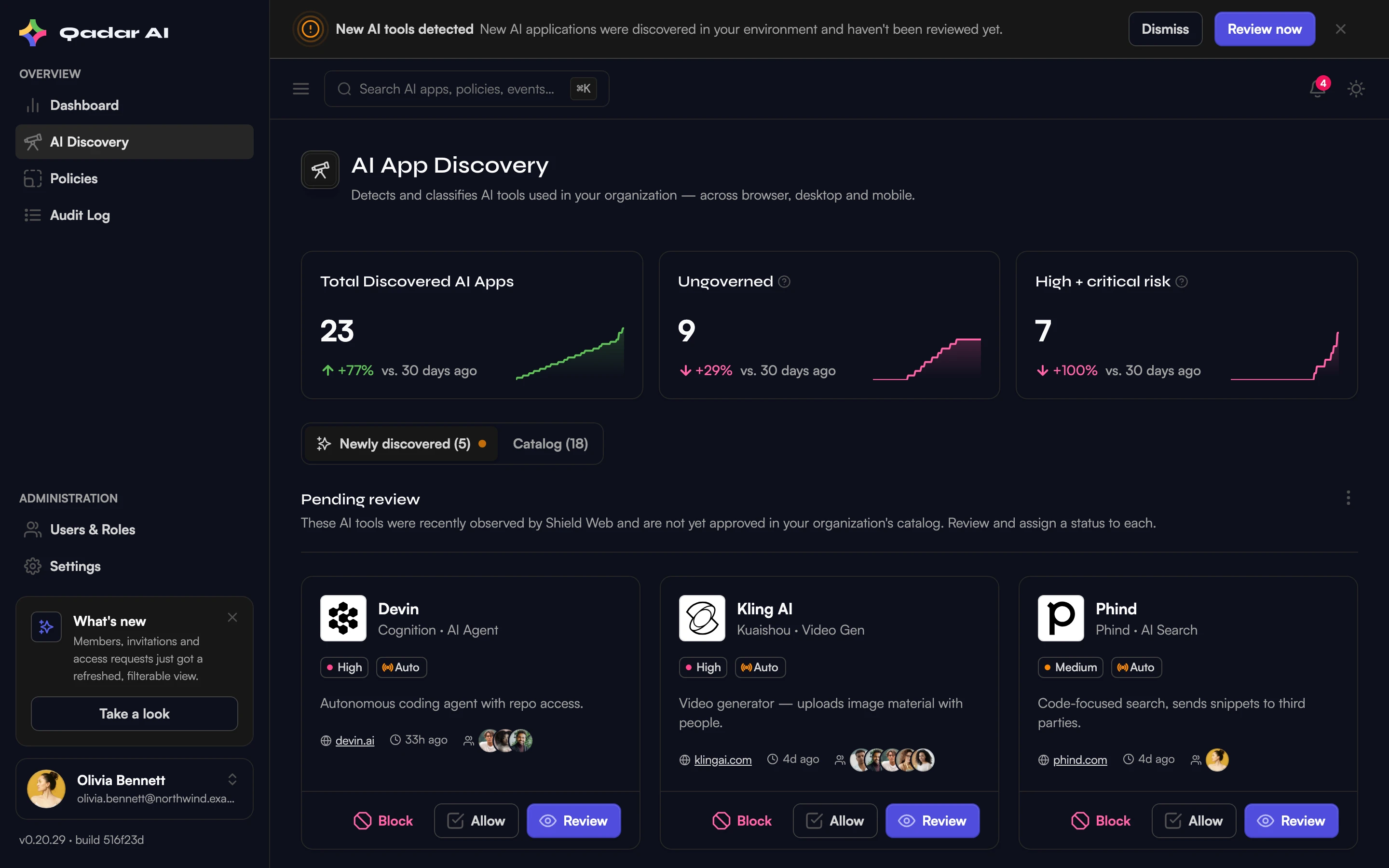
- Discover your first AI app — once extensions report in, Discovery fills with the AI tools actually in use.
- Configure a security policy — review the starters or apply a compliance preset.
Your dashboard
The dashboard summarizes AI usage, risks, and policy activity: monitored AI tools, blocked events, open risks, prompt volume over the last 14 days, and the top AI apps in your organization. Until the first extension reports in, it shows an empty state pointing you to Discovery — that is expected, not an error.
Was this article helpful?
Related articles
Invite your team
Invite members by email from Users & Roles, track open invitations, and handle join requests from your verified domain.
Read articleInstall the Shield Web extension
Add Shield Web to your browser from the Chrome Web Store or Firefox Add-ons, sign in with your work account, and confirm protection is active.
Read articleApply policy presets and bundles
Deploy compliance-ready policies from the preset library — EU AI Act, GDPR, DIFC, Korea AI Basic Act, US AI in Employment, and ISO 42001/NIST bundles.
Read articleRoll out Shield Web via managed policy
Force-install the extension org-wide with Google Workspace or your MDM, enforce monitoring as the organization, and close the Incognito gap.
Read articleStill stuck?
Send us the details — we answer within one business day.